Remove and regenerate a subject in a Seedance 2 video
From Wikiprompt, the free prompt encyclopedia
May 25, 2026
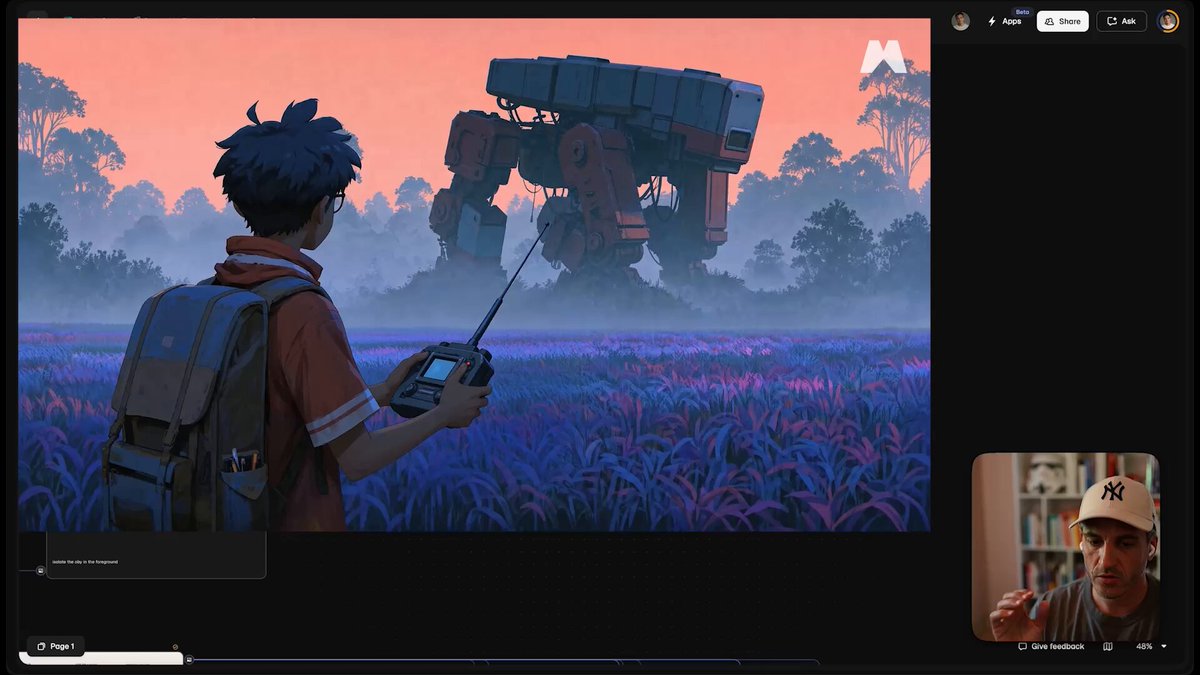
Remove and regenerate a subject in a Seedance 2 video A Seedance 2 workflow for removing an unwanted subject from a generated video and compositing back a clean, re-animated replacement.
Related media
Prompt ContentSave
If you generate with Seedance 2 you often get a great shot but with one or more minor artefacts. Instead of discarding the generation, edit the video using Seedance 2 itself.
Step 1 - remove the unwanted element, using the original video as reference:
"Remove boy from video"
Step 2 - regenerate th...
Sign in to see the full prompt
Sign In to ContinueUsage
This prompt is designed for use with creative. Copy the prompt content above and paste it into your preferred AI tool.
For best results, you may customize the placeholders (indicated by square brackets or capital letters) with your specific requirements.
References
- Category: creative Prompts
- Source: https://x.com/martinleblanc/status/2058881367895691489
Talk
0 comments